



توضیحات
Orbit 3DM مجموعه نرمافزاری تخصصی برای مدیریت، استخراج و اشتراکگذاری دادههای سهبعدی حاصله از نقشهنگاری دیجیتالی میباشد که توسط شرکت Bentley Systems توسعه داده میشود. این نرمافزار از طیف وسیعی از دادهها مانند ابر نقاط (point cloud)، تصویرسازه های ذهنی (Imagery)، بافتهای مشبک (textured mesh) و دادههای GIS (سامانه اطلاعات جغرافیایی) پشتیبانی کرده و امکانات منحصربهفردی برای مدیریت و آنالیز این داده ها فراهم آورده است. از منابع اطلاعاتی ذکر شده برای ساخت همزاد دیجیتالی و مدل سازی پدیده های واقعی استفاده می شود. این نرم افزار از تمام سیستم های جمع آوری و ذخیره سازی اطلاعات پشتیبانی کرده و هیچ محدودیتی در حجم و میزان اطلاعات ورودی سیستم وجود ندارد. این ابزار بسیار انعطاف پذیر بوده و از سیستم های نقشه بردای مختلف مانند سیستم های زمینی، نقشه برداری متحرک، سامانه های نقشه برداری پهبادی، نقشه برداری مایل (oblique)، نقشه برداری هوایی و … پشتیبانی می کند.
انجام محاسبات اطلاعاتی پیچیده، آنالیز و استخراج داده از نقشه ها برای اهداف مهندسی و شهرسازی و … از جمله مهم ترین کاربردهای این نرم افزار است. تمامی داده های موجود در نرم افزار قابلیت تبدیل به نقشه های گرافیکی را داشته و کاربر می تواند در عرض چند دقیقه یک نقشه 360 درجه بسیار واقع گرایانه را از داده های خام ایجاد کند. این نرم افزار در رشته ها و صنایع مختلف کاربرد داشته و از جمله مهم ترین کاربران همیشگی آن می توان به مهندسان، متخصصان دانش جغرافیا، اپراتورها و توسعه دهندگان زیرساخت های شهری و صنعتی و … اشاره کرد.
امکانات و ویژگی های مجموعه نرم افزار Orbit 3DM :
- مدیریت سریع و آسان داده های سه بعدی نقشه نگاری
- پردازش داده های نقشه نگاری
- ساخت نقشه نهایی و 360 درجه بر اساس اطلاعات پردازش شده
- اشتراک گذاری داده های خام و پردازش شده
- انجام عملیات های مدلسازی
- دریافت، ذخیره و بهینه سازی داده های دریافتی از منابع مختلف
- پشتیبانی کامل از سیستم های مختلف نقشه برداری مانند نقشه برداری هوایی، زمینی و …
- کاتالوگ سازی و آرشیو سازی داده های نقشه نگاری سه بعدی
- حذف نویز، اشیا متحرک و مسیرها در نقشه های ابر نقاط
- بهینه سازی و بهبود موقعیت قرارگیری عناصر مختلف در نقشه های سه بعدی
- بهینه سازی داده های ابر نقاط به منظور بهبود عملکرد و ذخیره سازی سریع و کم هزینه
- پردازش و رنگ کردن داده های ابر نقاط برای اشتراک گذاری در پلتفرم های مختلف
- آنالیز و تحلیل داده های نقشه نگاری و ساخت گزارش های استاندارد
- تشخیص خودکار قطب ها، جهات جغرافیایی و علائم ترافیکی
- تشخیص خودکار برآمدگی ها، سطوح صاف، گوشه ها و …
- هدایت و ناوبری میان داده های نقشه نگاری و نقشه برداری در دو حالت دو بعدی و سه بعدی
نرمافزارهای موجود در بسته؛
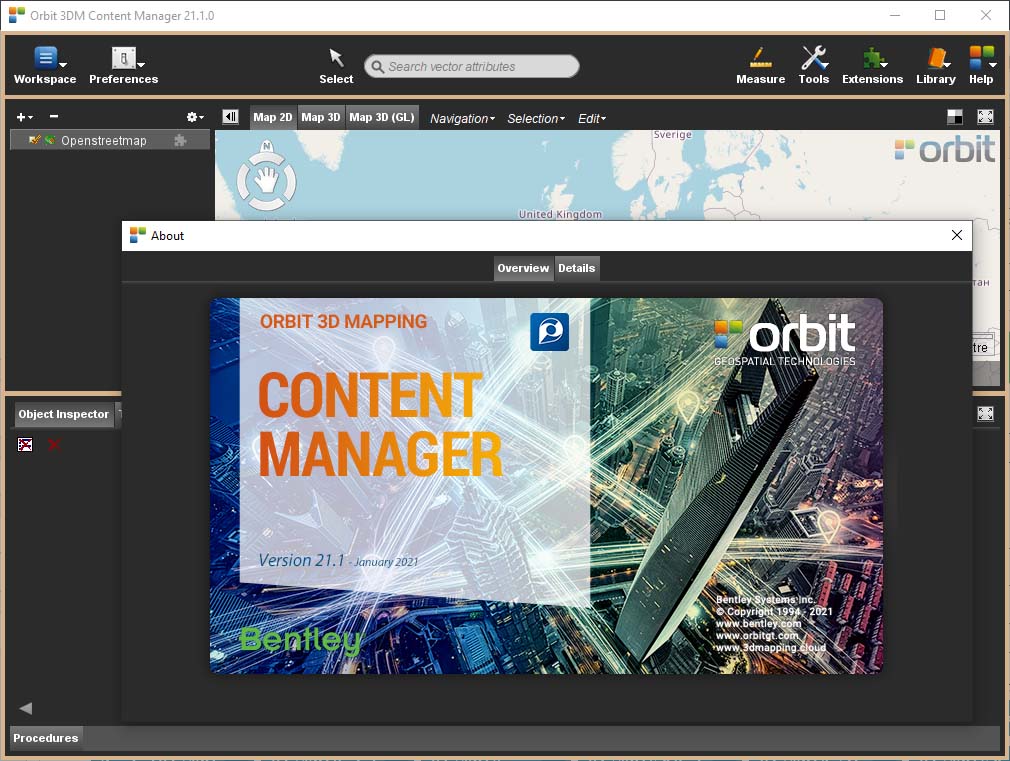
Orbit 3DM Content Manager 21.1.0
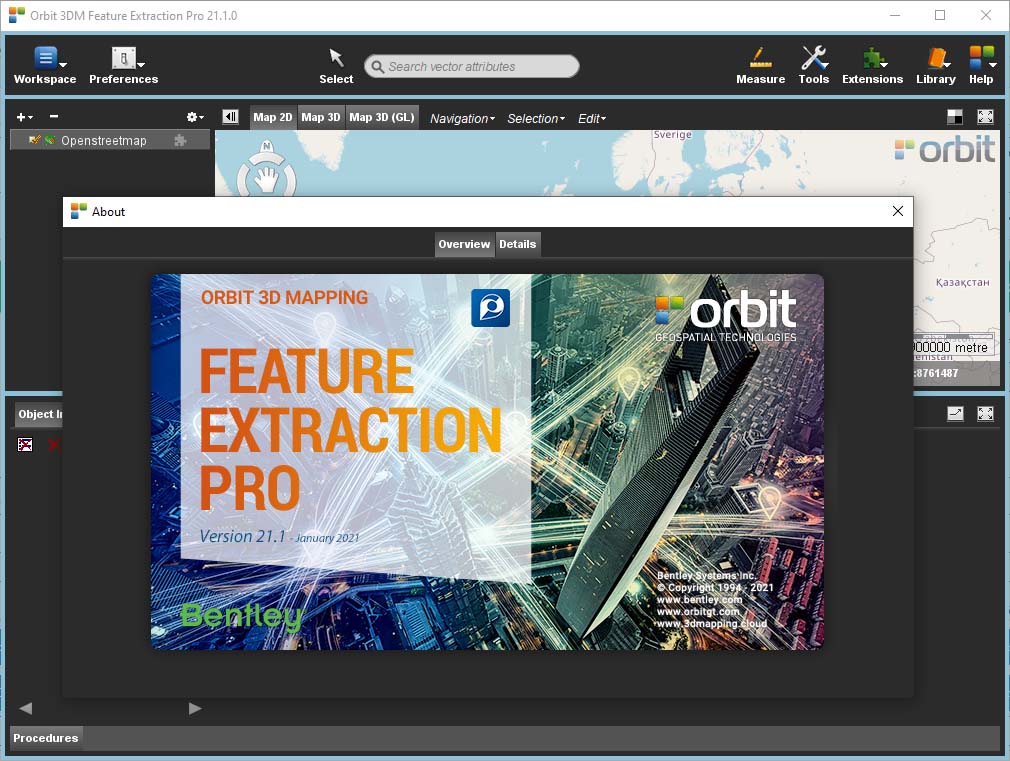
Orbit 3DM Feature Extraction Pro 21.1.0
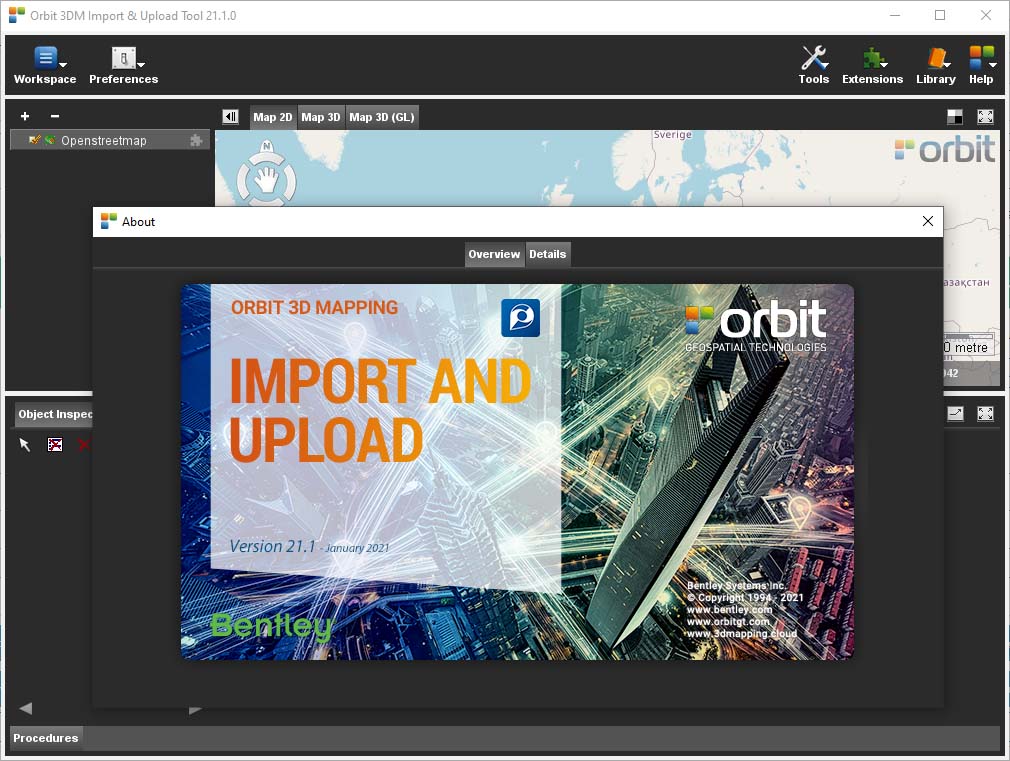
Orbit 3DM Import And Upload Tool 21.1.0
سیستم مورد نیاز
Operating System
More about Windows, Linux, and Java requirements, see System Requirements.
Orbit 3DM Desktop Product: Windows only.
Computing Power
Depending on your expectations, type, and volume of used resources (e.g. point cloud, imagery, base maps, … ).
Here’s a guideline :
- Minimum: 64 Bit OS, 4 GB ram, Dual-core processor(s)
- Recommended: 64 Bit OS, 8 GB ram or more, Quad-core processor
Software
Next to Java, no special requirements.
Graphics Card
Orbit desktop products use the Java Runtime Engine (JRE) and CPU to process graphic requests.
Orbit desktop products will use the 3D graphics card (GPU) to render complex 3D graphics, e.g. 3D tin models.
If no 3D graphics card is available, complex 3D requests will be processed by the Java Runtime using CPU.
Virtual environments (like Citrix, Virtualbox, VMWare, etc.) are still struggling to incorporate movies, the use of moving high-resolution imagery, and complex 3D graphics. The result can be Desktop and Web clients to act slower or fail to render the 3D Scene.
For example, smooth viewing and roaming through high-resolution spherical images or free navigating through a 3D point cloud requires an adequate frame refresh rate. These actions can be compared with watching an HD movie.
When using Citrix we do advise XenApp, including video optimization and a 1GB network connection.
Internet Connectivity
Orbit desktop Standalone products require online connectivity.
Orbit desktop Clients do not require online access but require connectivity with their Orbit Server, see Requirements for Orbit Server.
Disk space
No special requirements for the Orbit software installation. A clean install is about 300MB.
More attention is required to organize the huge volume of mapping resources.
Storage & File Access
Storage
Orbit requires a file-based storage system. Can be either local or network storage system that supports direct file access.
On importing Orbit will process all mapping data into performance-optimized resource files, which may need a bit more storage capacity. The optimized storage reduces other hardware requirements.
File & Disc Access
Orbit requests result in direct file access, performance is particularly determined by the disc speed and disc access.
Slow discs or slow connections will create a bottleneck. SSD disks are nice to have.
Big files
When processing large mapping datasets your file system should be able to store big files. Processing errors may occur due to (1) lack of disk-space to complete, (2) file size limitation of file system (FAT32 is limited up to 4GB, NTFS is advised) and (3) extremely fragmentation of storage volume.
Single operator
For standalone systems or other small setups you may want to store the data on external discs.
The use of a high-speed interfaces like eSATA or USB3 are highly recommended.
Multi operator
For larger volumes of data we advise to use one optimized central storage system (e.g. raid systems on server side) conform the volume of data and expected number of users. Make a wise decision, the slowest link will define the speed of use. This could be your network and not the data storage.
Note that you may host the mapping data on hardware other than the Orbit desktop installation. As long as there is a fast connection (1gb or more) between both, this will be no problem.
Example configuration
- Viewing Purposes:
- 64bit, dual core, intel i5 processor or equivalent, 4 GB memory, 2 USB3 connections.
- Processing Purposes:
- 64bit, quad core, Intel i7 or equivalent, 8GB Ram or more, 1TB hard disk, 2 or more USB 3 connections.
- Heavy Duty Processing Purposes:
- 64bit, quad core or more, Intel i9 or equivalent, 16 or 32GB Ram, 1TB SSD, 4 or more USB 3 connections.
تصاویر
راهنمای نصب
در فایل Readme موجود در پوشهی Crack آورده شده است.
لینک دانلود
هرگونه سوال یا مشکل را فقط از طریق بخش ارتباط با ما مطرح کنید.
حجم فایل
313 مگابایت